
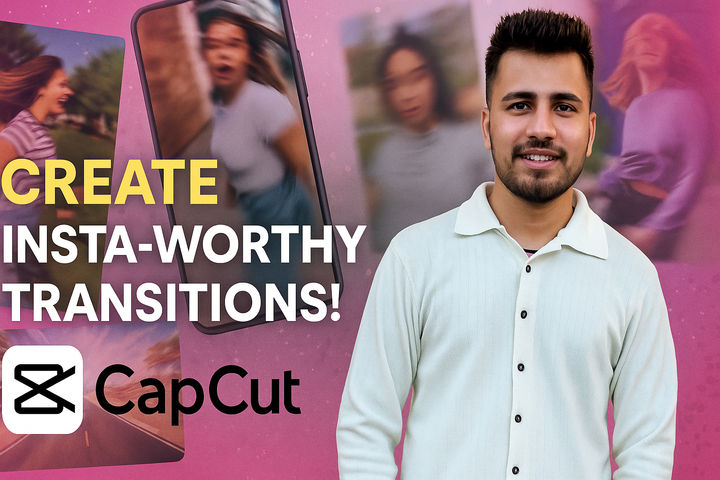


About the Course
Master CapCut to create stunning transitions, remove backgrounds, and add professional editing techniques to your Instagram Reels and YouTube Shorts. This course provides a comprehensive guide to creating engaging and professional-looking short-form video content.
What You’ll Learn
- Use CapCut for creating professional transitions.
- Utilize the auto-detection feature for efficient scene cutting.
- Master the cut-out transition technique.
- Implement shake transitions using CapCut’s animation features.
- Create smooth speed ramp transitions for a cinematic effect.
- Remove backgrounds from clips using CapCut’s auto background removal tool.
- Add professional touches with keyframe adjustments, mask layers, and effect combinations.
Course Format
This course is delivered through on-demand video lessons, allowing you to learn at your own pace. Each module provides step-by-step instructions and practical examples to help you master the techniques.
Who It’s For
- Aspiring Instagram and YouTube content creators
- Social media marketers looking to enhance their video content
- Anyone interested in learning video editing with CapCut
- Individuals seeking to create engaging and professional-looking reels and shorts
Course Structure
- Price: FREE
- Duration: 60 minutes
- Format: On-demand video lessons
- Mode: Self-paced
- Certificate: Yes, with completion
- Where: Available on the Juno School mobile app (Android & iOS)
Why Take This Course
- Learn the latest trending video editing techniques for social media.
- Gain practical skills in using CapCut, a popular and user-friendly video editing tool.
- Enhance your video content with professional-looking transitions and effects.
- Boost your engagement and reach on Instagram and YouTube with captivating visuals.
- Completely free and accessible, enabling you to start improving your videos today!