
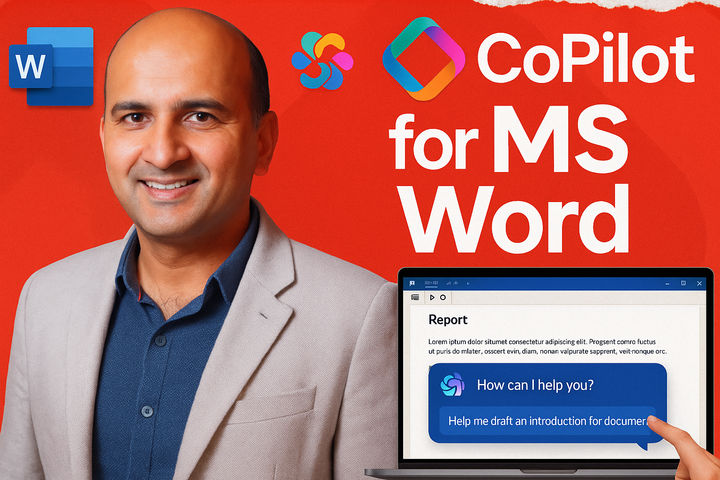


Copilot for MS Word: Document Creation
Learn to supercharge document creation in MS Word with Copilot, streamline workflows, and explore real-world use cases and demos.
Course Structure
Key Details:
Price: FREE
Duration: 60 minutes
Format: On-demand video lessons
Mode: Self-paced
Certificate: Yes, with completion
What You’ll Learn
What’s Co-pilot for MS Word?: Get introduced to the game-changing tool that’s transforming how you work in Word.
Mastering Co-pilot for MS Word: Learn how to supercharge your document creation with AI-powered features that save you time and effort.
Real-World Use Cases: Discover how Co-pilot can streamline your workflow and tackle everyday tasks, from writing to editing and formatting.
See It Live in Action: Watch a live demo and see how easy it is to integrate Co-pilot into your routine for a seamless experience.
Course Format
This course is delivered through on-demand video lessons. Learn at your own pace and revisit materials as needed.
Who It’s For
Professionals looking to improve their document creation efficiency.
Anyone interested in leveraging AI for productivity in MS Word.
Individuals seeking to streamline their writing, editing, and formatting workflows.
Why Take This Course
Gain practical skills in using Co-pilot for MS Word.
Learn from a leading expert in Generative AI and Digital Transformation.
Improve your productivity and efficiency in document creation.
Earn a certificate of completion to showcase your new skills.