
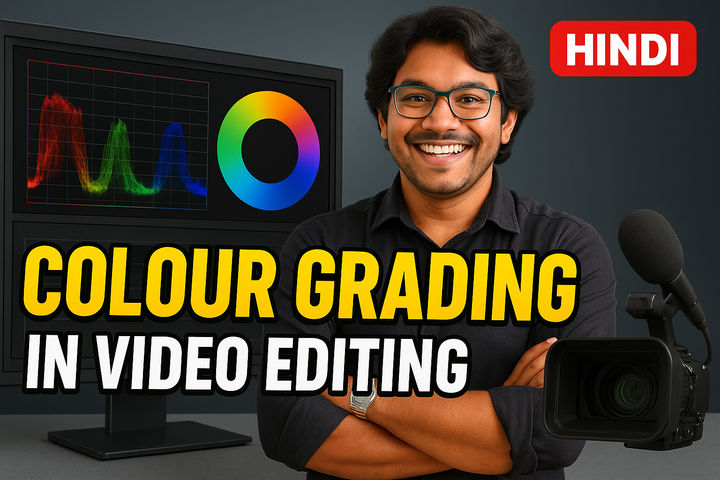


About the Course
Master color grading, S-Log editing, LUTs and cinematic looks in Premiere Pro like a pro!
What You’ll Learn
- Understand the difference between Color Grading and Color Correction.
- Work effectively with S-Log footage for a cinematic look.
- Create dreamy and visually appealing aesthetics in your videos.
- Utilize Adobe Premiere Pro’s color grading tools with a step-by-step workflow.
- Apply LUTs (Look-Up Tables) and manual adjustments for professional results.
- Gain technical insights from industry expert Amit Kumar.
Course Format
This course is delivered through on-demand video lessons. Learn at your own pace and revisit the material as needed.
Who It’s For
- Video editors looking to improve their color grading skills.
- Filmmakers wanting to achieve a cinematic look in their videos.
- Anyone interested in learning color grading in Adobe Premiere Pro.
- Individuals who shoot in S-Log or other flat picture profiles.
Course Structure
- Price: FREE
- Duration: 60 minutes
- Format: On-demand video lessons
- Mode: Self-paced
- Certificate: Yes, with completion
- Where: Available on the Juno School mobile app (Android & iOS)
Why Take This Course
- Learn from an industry expert with experience working with top companies.
- Gain practical skills to enhance your videos and create a professional look.
- Understand the key differences between color correction and color grading.
- Unlock the power of LUTs and manual adjustments in Premiere Pro.
- Free, accessible knowledge to immediately improve your editing workflow.